
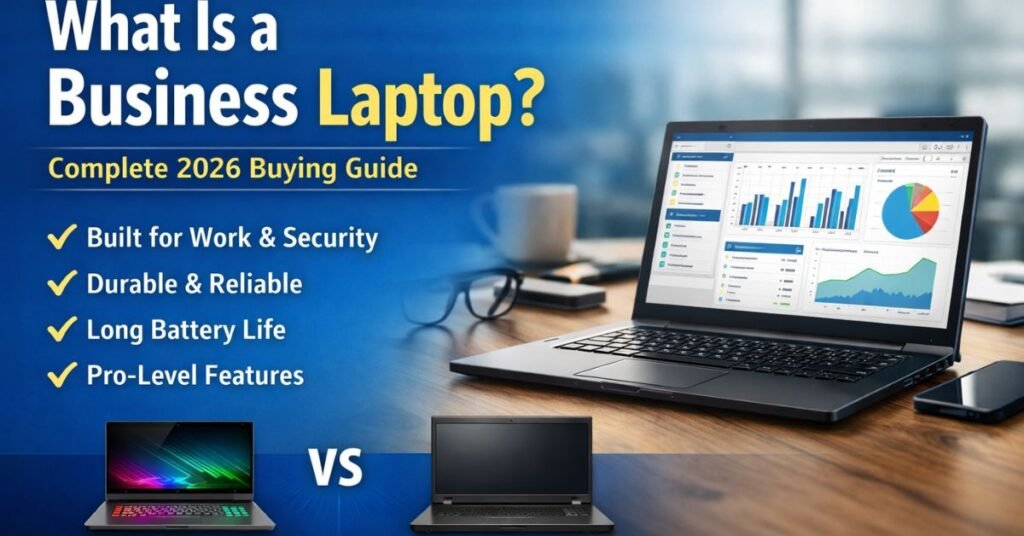
If you’ve ever shopped for a new computer and paused at the term “business laptop,” you’re not alone. At first glance, it sounds like marketing fluff — a sleek badge slapped onto an ordinary machine with a slightly higher price tag. But here’s the truth: what is a business laptop is one of the most important questions a working professional, entrepreneur, or remote employee can ask before spending their money.
Because choosing the wrong laptop for business isn’t just inconvenient. It’s expensive.
I’ve seen founders lose hours to overheating ultrabooks that couldn’t handle spreadsheets. I’ve watched remote teams struggle with flimsy hinges and dying batteries during client calls. And I’ve met professionals who learned — too late — that consumer laptops and business laptops are not built the same.
In this comprehensive guide, you’ll learn:
- Exactly what a business laptop is
- How it differs from consumer and gaming laptops
- Who actually needs one (and who doesn’t)
- What features matter most in 2026
- How to choose the right model step by step
- Common mistakes to avoid
- Expert buying recommendations
By the end, you won’t just understand the term — you’ll know how to make a confident, informed decision.
Let’s get into it.
What Is a Business Laptop? A Clear, Practical Definition
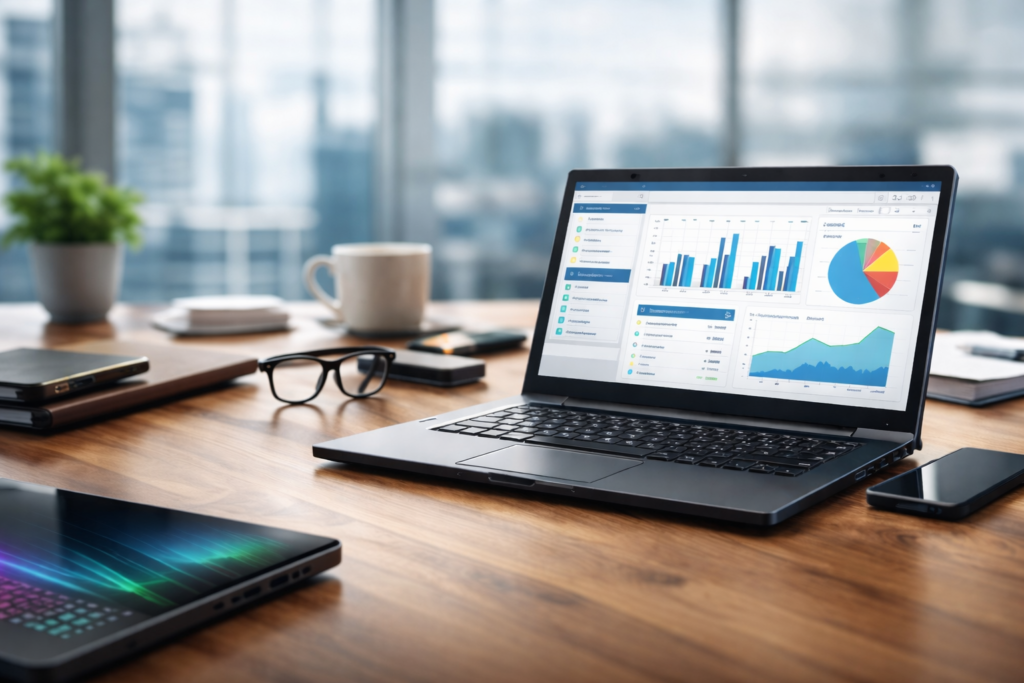
A business laptop is a computer specifically designed for professional work environments. It prioritizes reliability, security, durability, performance stability, and long-term support over flashy design or gaming graphics.
In simple terms:
A consumer laptop is built for entertainment and everyday use.
A gaming laptop is built for power and graphics.
A business laptop is built for work — consistently, securely, and professionally.
Think of it like vehicles.
- A consumer laptop is a family sedan.
- A gaming laptop is a sports car.
- A business laptop is a commercial-grade SUV built to run 10 hours a day, five days a week, without breaking down.
Business laptops typically offer:
- Enterprise-grade security features
- Stronger build quality (often MIL-STD tested)
- Longer battery life
- Better keyboards for typing all day
- Extended warranty and support options
- Remote IT management compatibility
- Stable processors optimized for productivity
They are made for:
- Corporate employees
- Entrepreneurs
- Consultants
- Developers
- Remote workers
- Finance professionals
- Business students
- IT-managed teams
And most importantly — they are designed for consistency over flash.
Why Business Laptops Exist (And Why They Matter More Than You Think)
You might wonder: “Can’t I just buy a regular laptop and use it for work?”
Technically? Yes.
Practically? Not always a good idea.
Modern work demands reliability. Your laptop isn’t just a device — it’s your:
- Office
- Communication hub
- Accounting system
- Creative studio
- Client meeting room
- Data storage center
When your laptop fails, your productivity collapses with it.
Business laptops exist because professionals need:
- Stability under long workloads
- Enhanced security for sensitive data
- Durability for travel and commuting
- Better long-term support cycles
- IT compatibility in corporate environments
In enterprise environments, IT departments require features like:
- TPM (Trusted Platform Module)
- BIOS-level security
- Remote device management
- Corporate encryption compatibility
Consumer laptops often lack these.
For entrepreneurs, reliability matters even more. You don’t have an IT department. If your machine crashes during a client proposal, that’s on you.
This is where business-grade hardware earns its reputation.
Key Differences: Business Laptop vs Consumer Laptop
Let’s break this down clearly.
1. Build Quality
Business laptops are typically built with:
- Magnesium alloy or aluminum chassis
- Reinforced hinges
- Spill-resistant keyboards
- MIL-STD-810H testing
Consumer laptops often prioritize slim aesthetics over durability.
If you travel frequently, work from cafés, or attend meetings daily, this matters.
2. Security Features
Business laptops usually include:
- Fingerprint readers
- Smart card readers
- TPM 2.0 chips
- BIOS-level encryption
- Windows Pro instead of Home
Consumer laptops may have fingerprint sensors, but enterprise security layers are often missing.
3. Warranty & Support
Business models often offer:
- 3-year warranty options
- On-site repair services
- Enterprise support channels
Consumer laptops usually offer 1-year limited warranties.
4. Performance Stability
Business laptops are optimized for:
- Multitasking
- Office applications
- Data-heavy workflows
- Virtual meetings
They don’t usually prioritize high-end gaming GPUs — because they don’t need to.
5. Keyboard & Typing Experience
If you write reports, emails, or proposals all day, keyboard quality becomes critical.
Business laptops typically offer:
- Better key travel
- Stronger tactile feedback
- Spill resistance
This is one of the most underrated differences.
Who Actually Needs a Business Laptop?
Not everyone does. Let’s be honest.
You likely need a business laptop if you are:
- A corporate employee handling sensitive data
- A freelancer managing client contracts
- A startup founder building decks and financial models
- A remote worker in video meetings daily
- A finance professional using Excel heavily
- A consultant traveling frequently
- A developer running virtual environments
- A business student preparing for internships
You probably don’t need one if:
- You mainly browse the web
- You use your laptop mostly for streaming
- You’re buying a secondary casual device
- You’re on a very tight budget with light usage
For professionals earning income through their machine, business laptops are not luxury items — they are investments.
Core Features to Look For in a Business Laptop (2026 Buying Guide)
Here’s what actually matters.
Processor (CPU)
Look for:
- Intel Core i5 or i7 (13th/14th Gen or newer)
- AMD Ryzen 5 or Ryzen 7
Avoid entry-level processors for serious professional work.
RAM
Minimum: 16GB
Recommended for heavy multitasking: 32GB
In 2026, 8GB is no longer enough for professional workloads.
Storage
- 512GB SSD minimum
- 1TB if handling large files
NVMe SSD preferred.
Battery Life
Look for:
- 8–12+ real-world hours
- Fast charging capability
Display
- 14″ or 15.6″ ideal for productivity
- IPS panel minimum
- Full HD or higher
If working with design or data visualization, consider higher resolution.
Security
Must-have:
- TPM 2.0
- Fingerprint reader
- Windows 11 Pro
Ports
Professionals still need:
- USB-A
- USB-C / Thunderbolt
- HDMI
- Ethernet (optional but useful)
Adapters are productivity killers.
Step-by-Step: How to Choose the Right Business Laptop
Let’s simplify the buying process.
Step 1: Define Your Workload
Ask yourself:
- Heavy spreadsheets?
- Video editing?
- Programming?
- Travel-heavy work?
- Mostly emails and meetings?
Your workload determines specs.
Step 2: Set a Budget Range
Typical ranges:
- $800–$1,000: Solid entry-level business laptop
- $1,000–$1,500: Mid-range professional machine
- $1,500–$2,500+: Premium enterprise model
Don’t overspend on power you won’t use.
Step 3: Prioritize Reliability Over Flash
Ignore:
- RGB lighting
- Ultra-thin gimmicks
- Gaming GPU hype
Focus on:
- Build
- Battery
- Keyboard
- Security
Step 4: Check Upgradeability
Some business laptops allow:
- RAM upgrades
- SSD replacements
This extends lifespan.
Step 5: Compare Warranty Options
A 3-year on-site warranty often pays for itself.
Best Business Laptop Brands in 2026
Here are consistently reliable brands:
- Lenovo ThinkPad series
- Dell Latitude series
- HP EliteBook series
- Apple MacBook Pro (business usage)
- Microsoft Surface Laptop for Business
Each has strengths:
Lenovo ThinkPads: Legendary keyboards and durability
Dell Latitude: Corporate IT favorite
HP EliteBook: Strong security and premium build
MacBook Pro: Excellent battery and performance stability
Surface Laptop: Sleek enterprise portability
Common Mistakes When Buying a Business Laptop
Buying a Gaming Laptop for Office Work
You’ll pay more for GPU power you never use.
Choosing 8GB RAM
It may seem enough now. It won’t be in 18 months.
Ignoring Warranty
Business downtime costs money.
Overlooking Keyboard Quality
If you type daily, this matters.
Buying Based on Design Alone
Sleek doesn’t mean durable.
Business Laptop vs Gaming Laptop: Should You Ever Choose Gaming?
Gaming laptops are powerful but:
- Heavier
- Louder
- Shorter battery life
- Often less secure
Choose gaming only if you need GPU-intensive workloads like:
- 3D rendering
- Advanced video editing
- AI development
Otherwise, stick to business-class devices.
Are Business Laptops Worth the Higher Price?
Short answer: Yes — if your laptop earns you money.
Consider this:
If your laptop costs $1,400 and lasts 4 years reliably, that’s $350 per year.
If downtime costs you one missed client opportunity worth $1,000, the math becomes obvious.
Business laptops are about risk reduction.
And professionals understand the value of that.
Conclusion: Is a Business Laptop Right for You?
Now you understand what is a business laptop — and more importantly, what it is not.
It’s not marketing hype.
It’s not just a fancy name.
It’s not only for corporations.
It’s a reliability-first machine built for professionals who depend on their computers.
If your work depends on performance, security, and consistency, a business laptop is not an expense — it’s infrastructure.
Choose wisely. Think long-term. Invest in stability.
And your future self will thank you.
FAQs
What is a business laptop used for?
A business laptop is used for professional work such as office tasks, finance, consulting, programming, remote meetings, and enterprise workflows requiring security and reliability.
Are business laptops better than normal laptops?
For professional use, yes. They offer better security, durability, and long-term reliability compared to consumer laptops.
Do business laptops last longer?
Generally, yes. They are built with higher-quality materials and designed for extended daily use.
Can I use a business laptop for personal use?
Absolutely. They function perfectly for browsing, streaming, and everyday tasks.
Are business laptops good for students?
Business and MBA students benefit greatly from their durability and professional-grade performance.

Michael Grant is a business writer with professional experience in small-business consulting and online entrepreneurship. Over the past decade, he has helped brands improve their digital strategy, customer engagement, and revenue planning. Michael simplifies business concepts and gives readers practical insights they can use immediately.